
- Working prototype
- Patient & professional views
- Care-service workflows
Mediq OneA shared service. A view for each person.
Start with the person. Bring the next step into view.
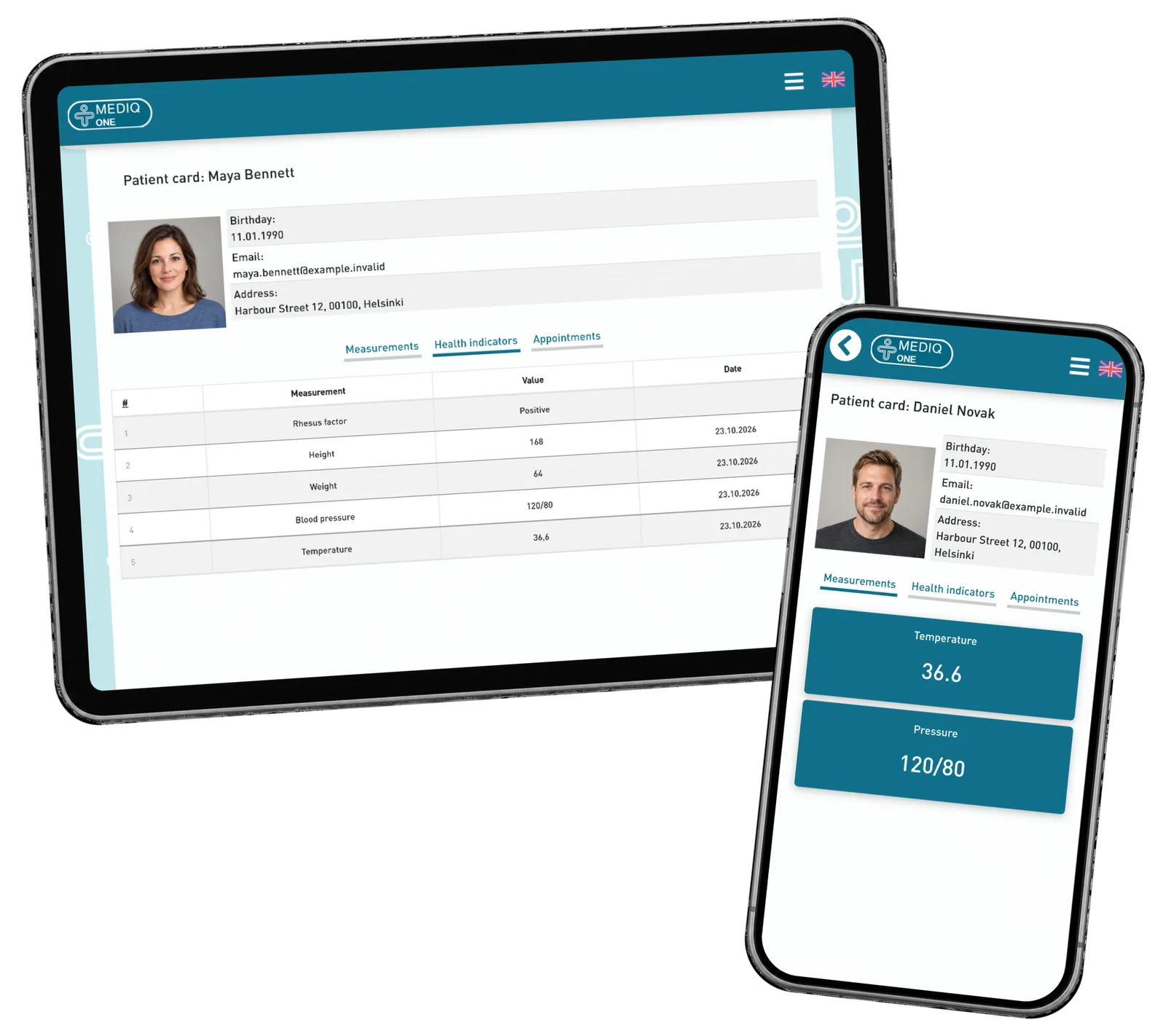
A care-service portal prototype with separate views for professionals and patients. ReApptor brought patient cards, visit information and observation entry with a supporting image into one responsive interface.
- Suomi (Finnish)
- English (English)
- Polski (Polish)
- Svenska (Swedish)
ReApptor can build multilingual workflows for teams and customers working across markets!
Case overview
Business problem
One service, different needs
A care service needs a clear place for the person, the visit and the observations made along the way. Staff need to select the patient and see the relevant context. Patients need a simpler personal view. Before investing in a larger system, the service owner needs to see how these experiences fit together.
Make the care journey tangible
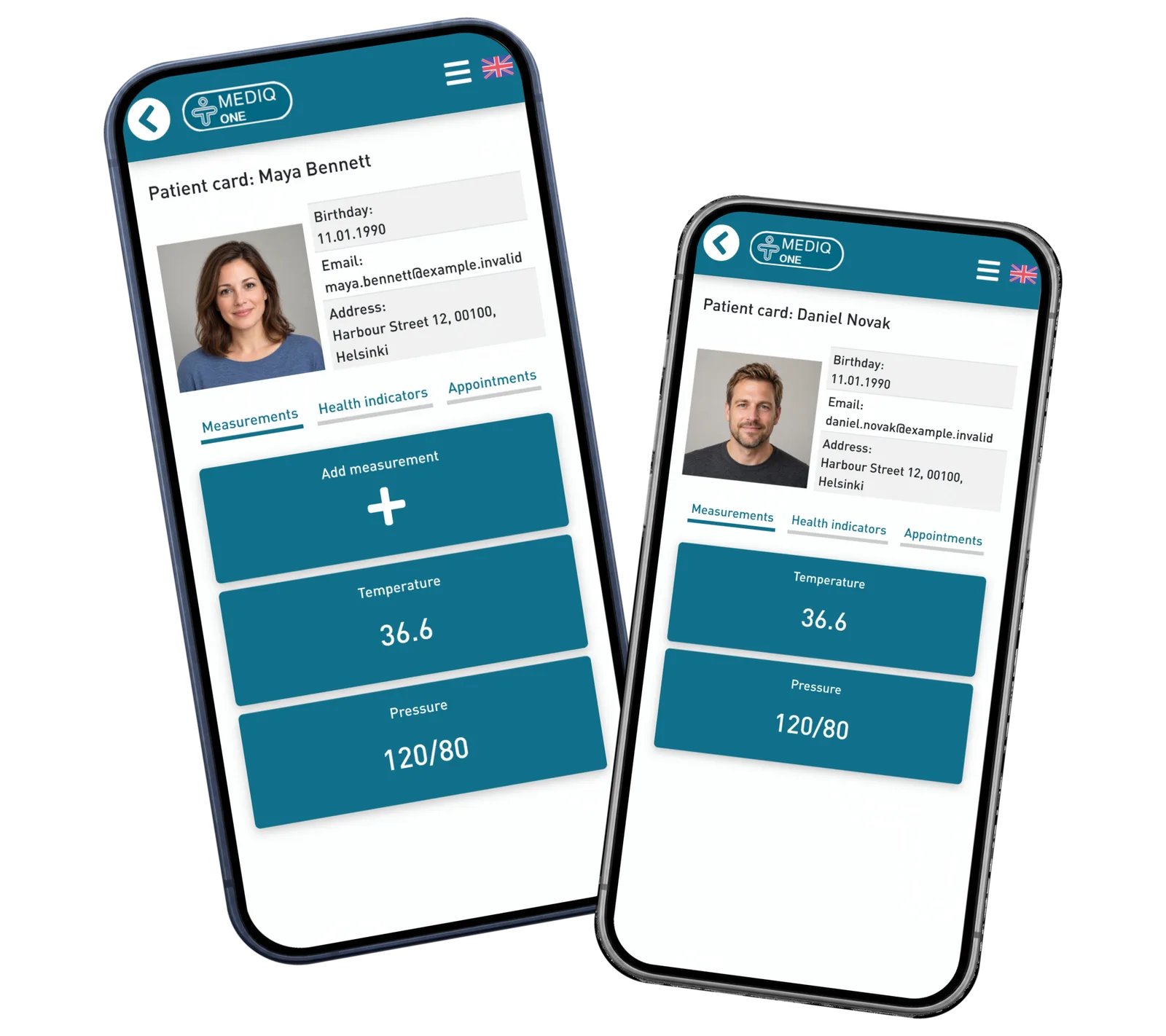
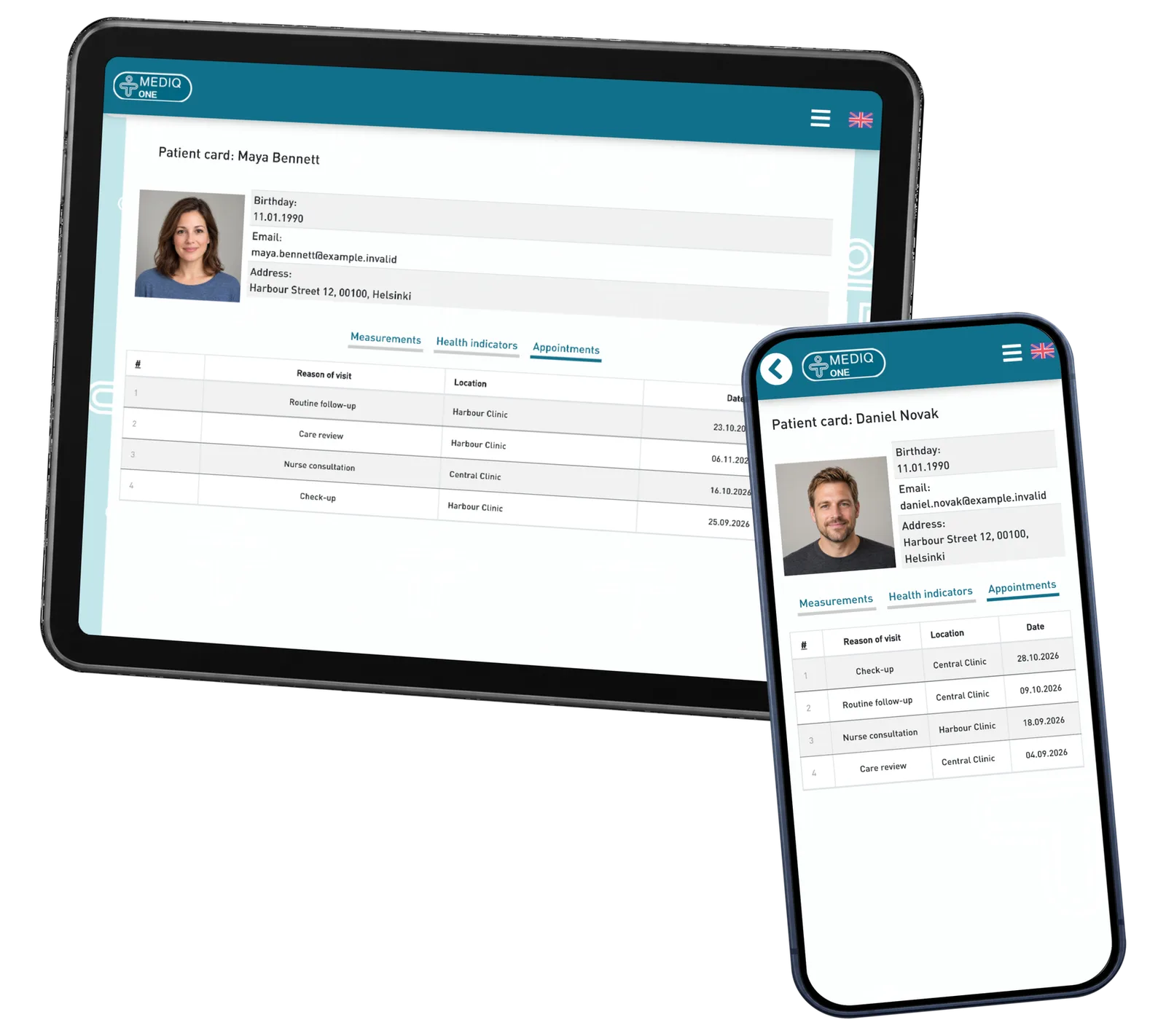
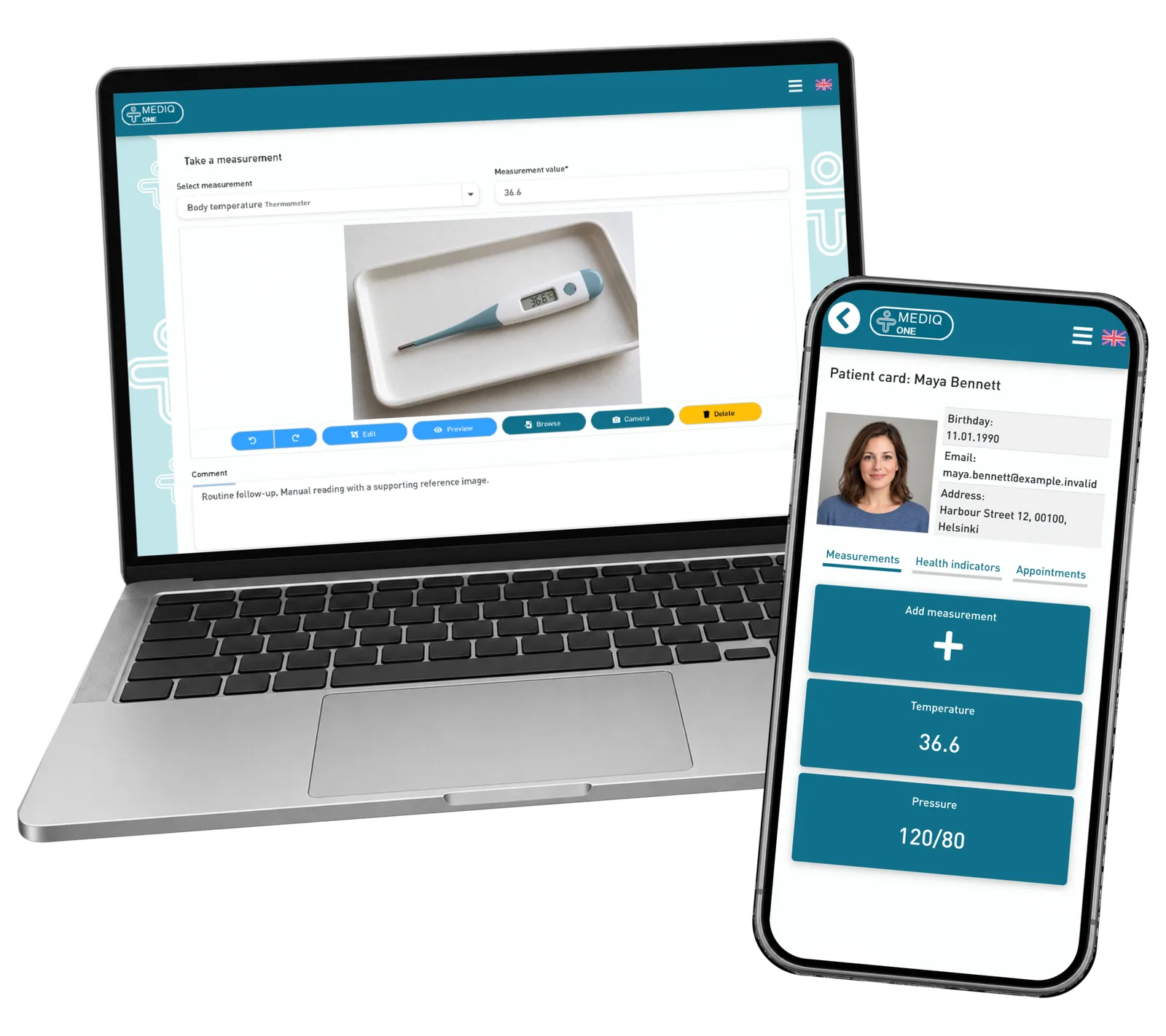
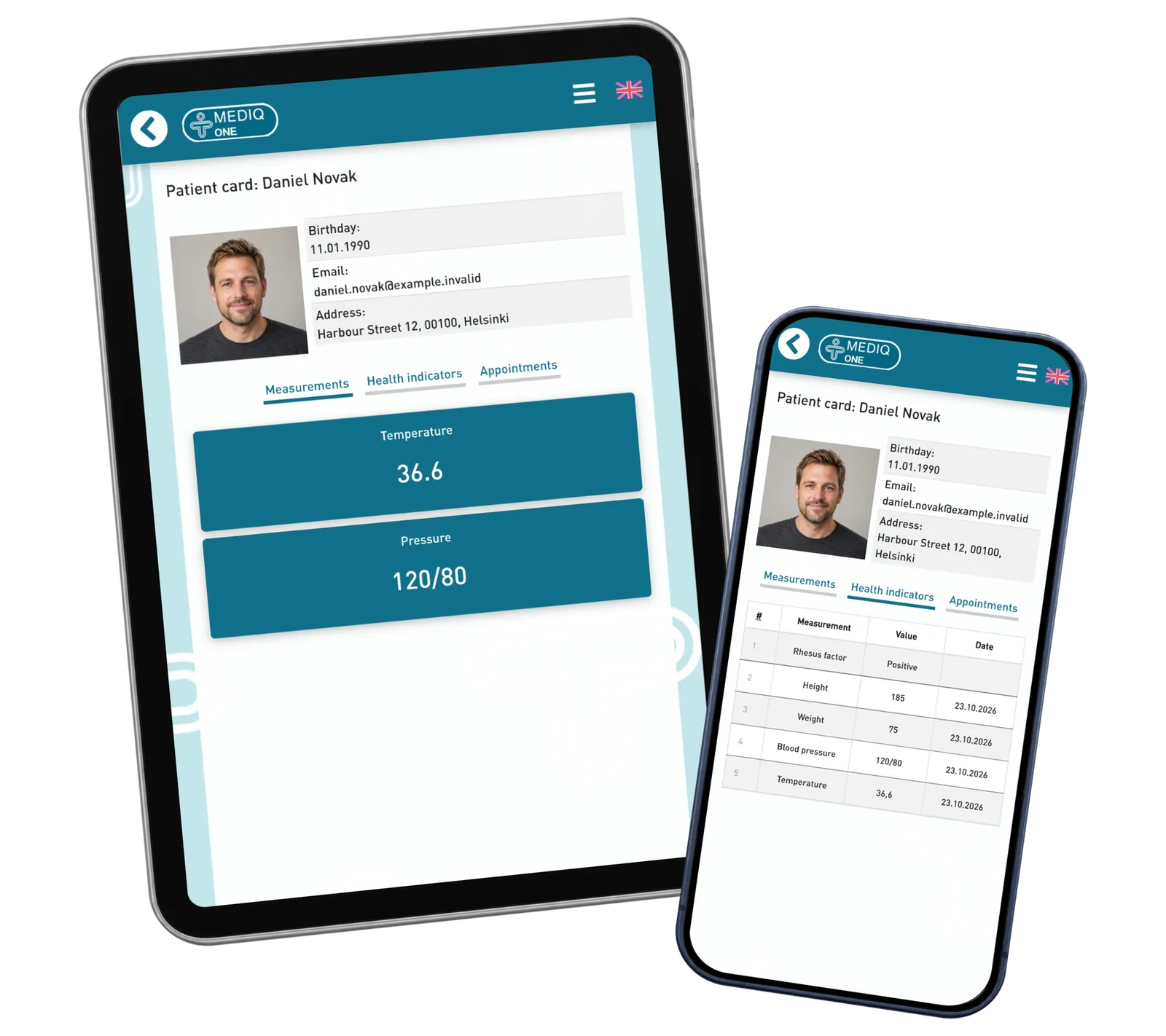
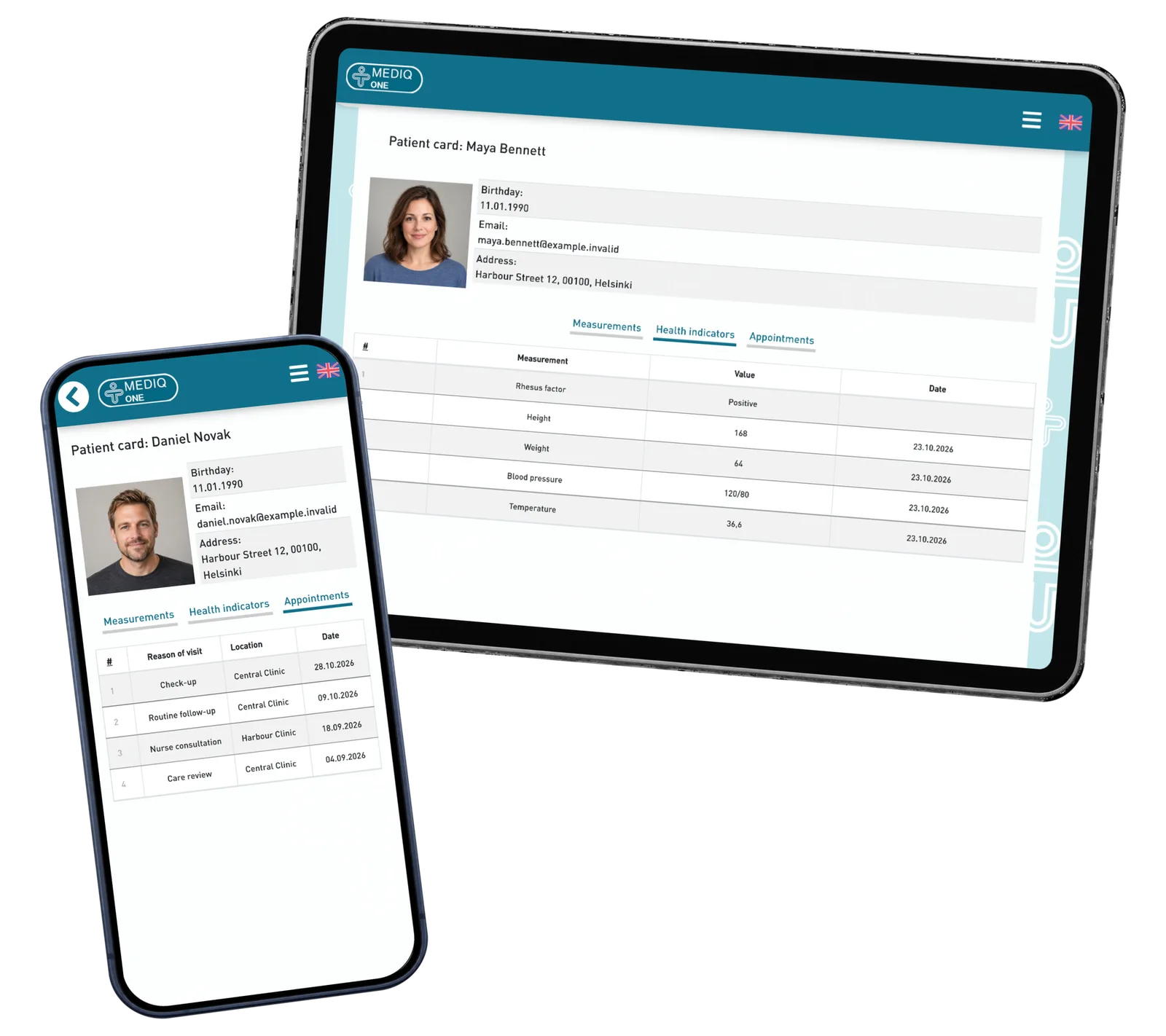
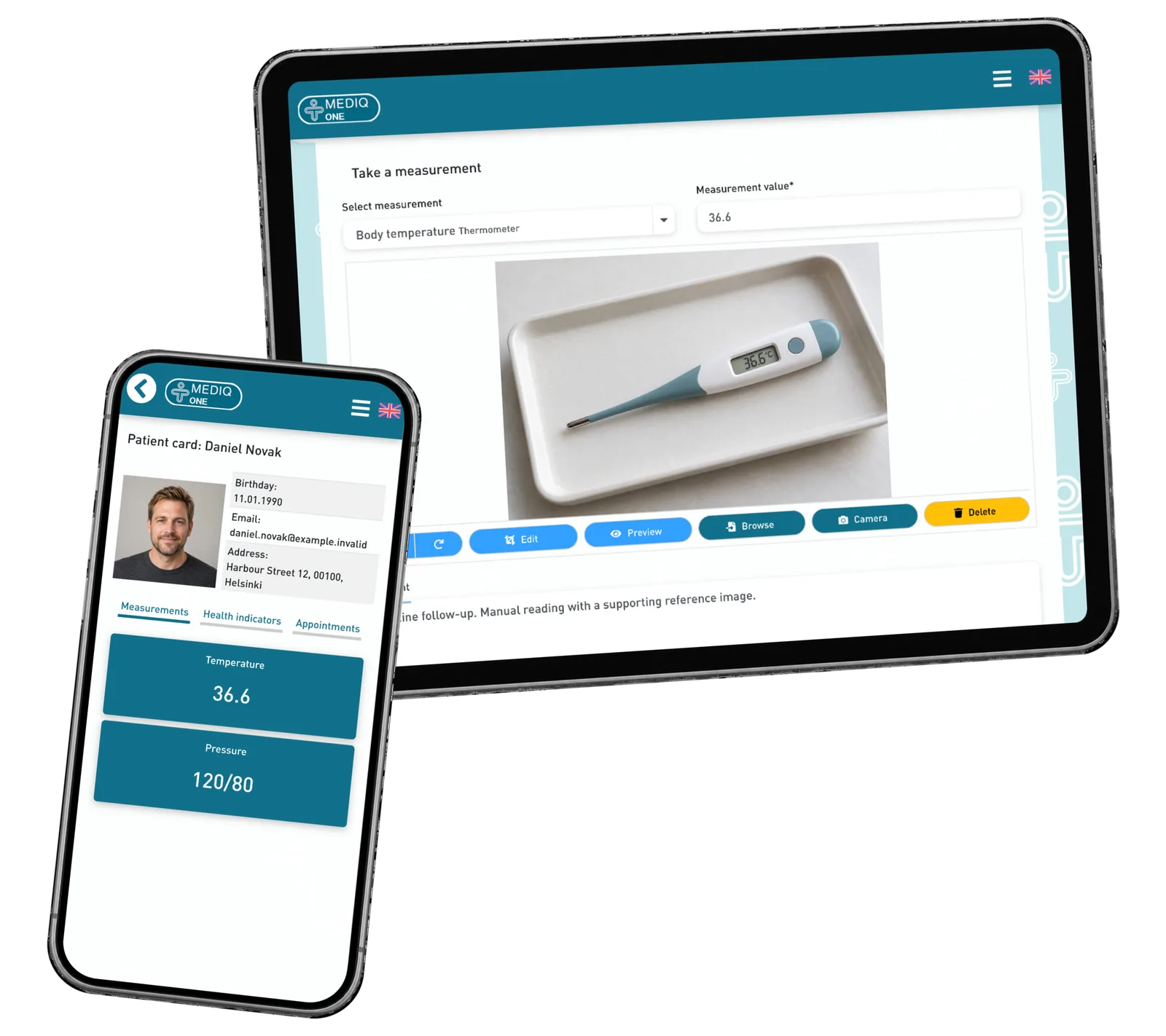
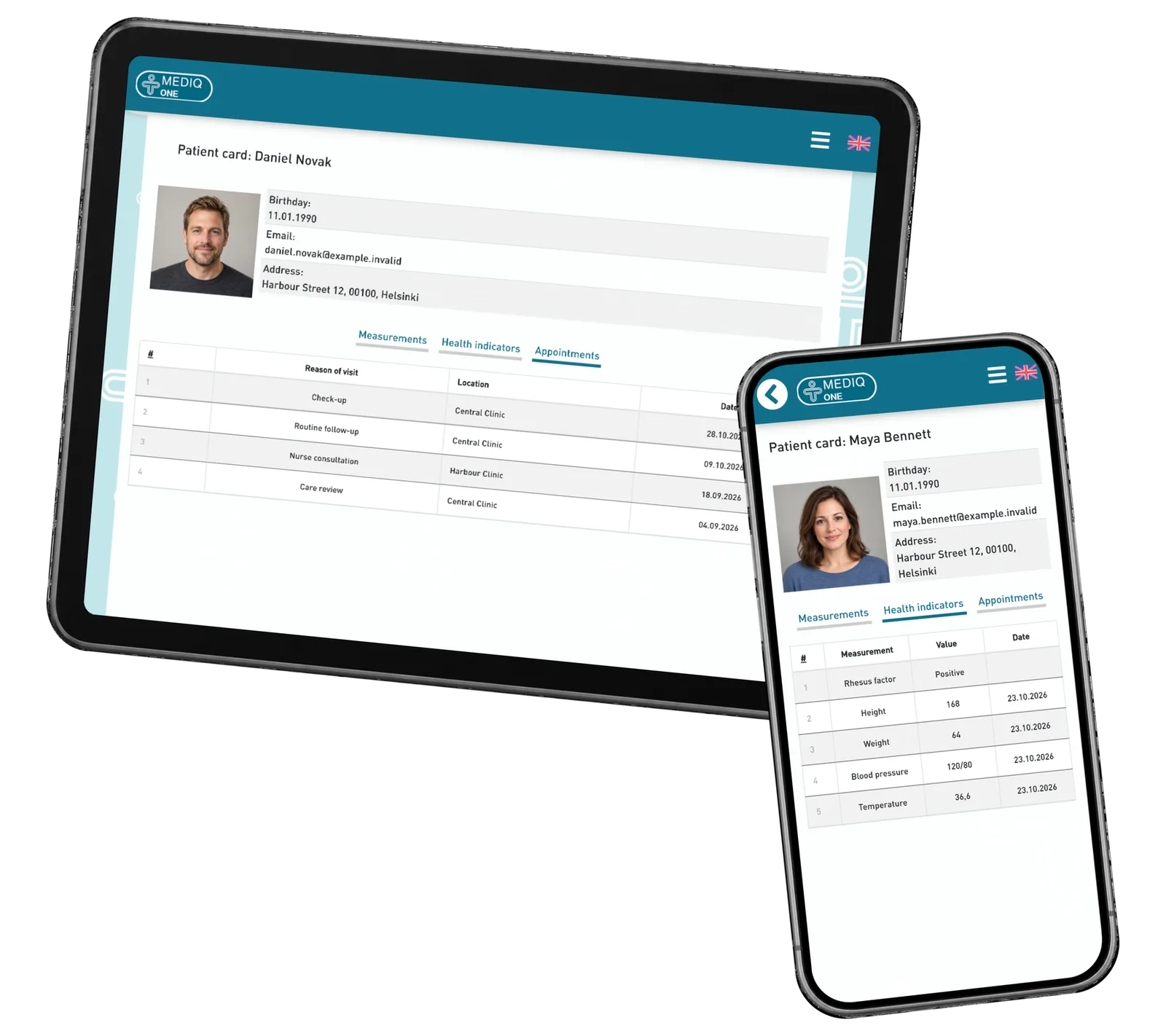
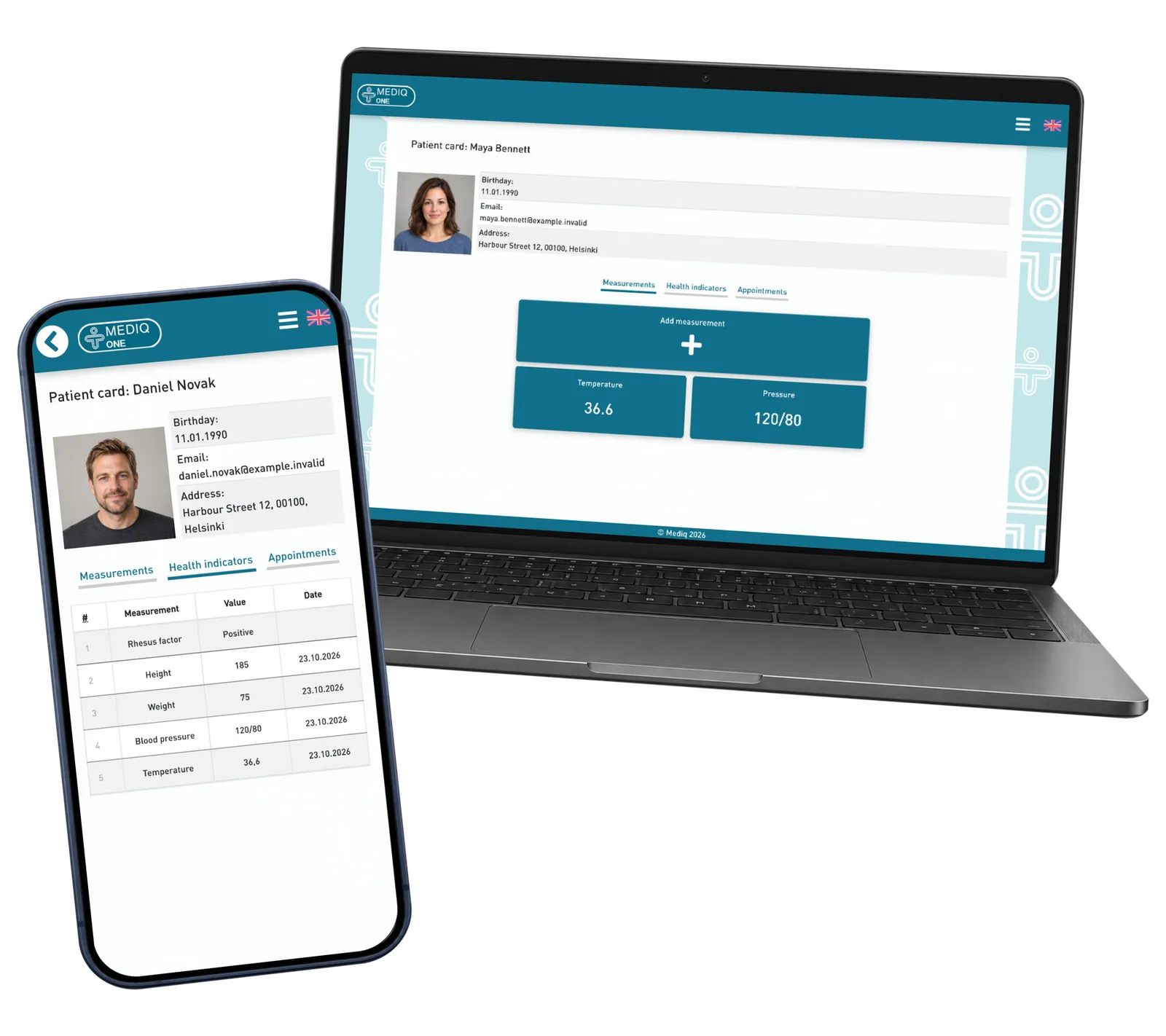
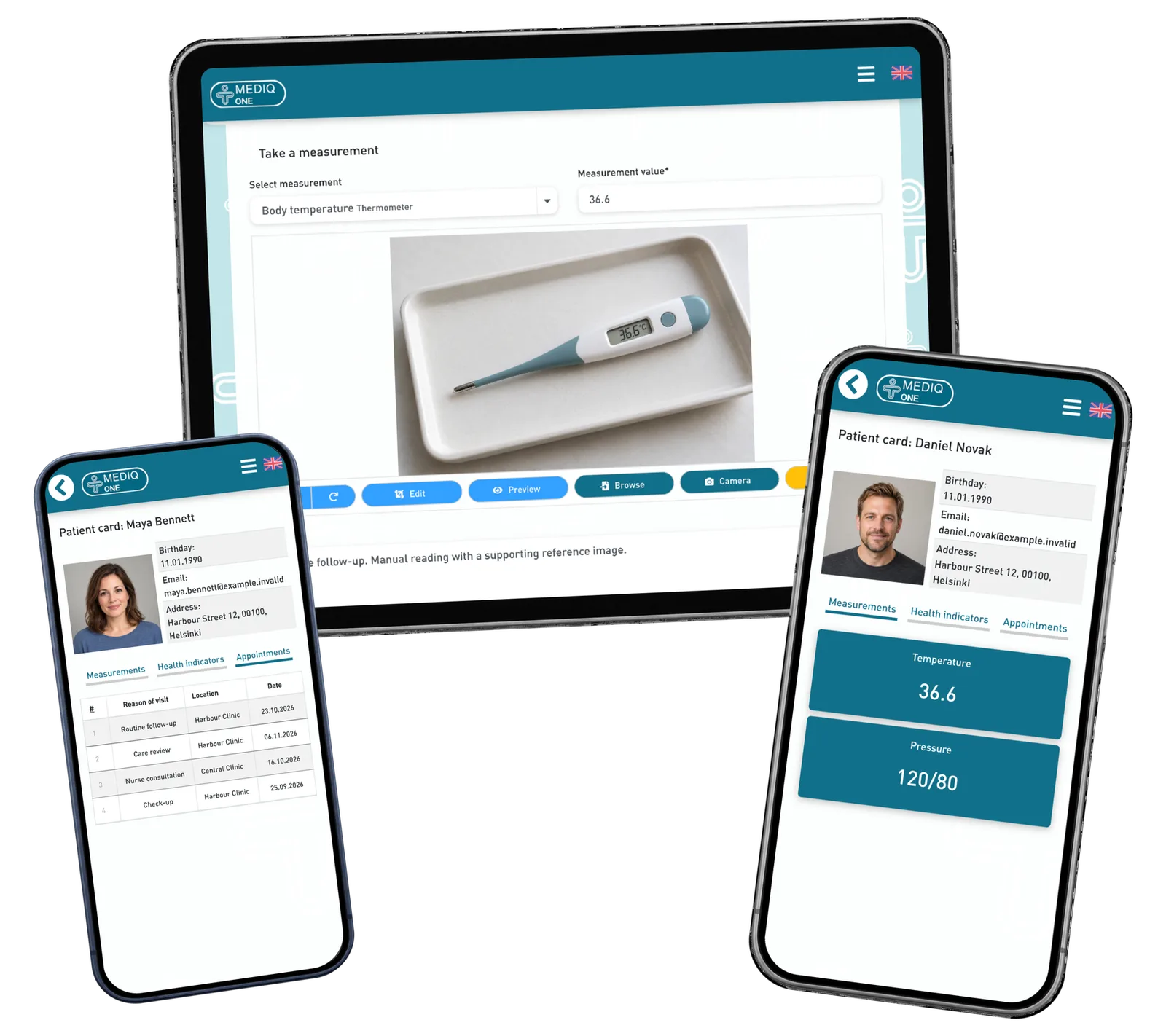
Mediq One explores that journey through a working portal prototype. Professionals open a patient card, switch between indicators and visits, and prepare an observation with a value, note and image. Patients have their own card and visit view. The screens use fictional records and portraits; measurement and visit data demonstrate the intended workflow.
Screenshots and media
Screenshots and media
Product capabilities
What customers and teams can do
Begin with the right patient
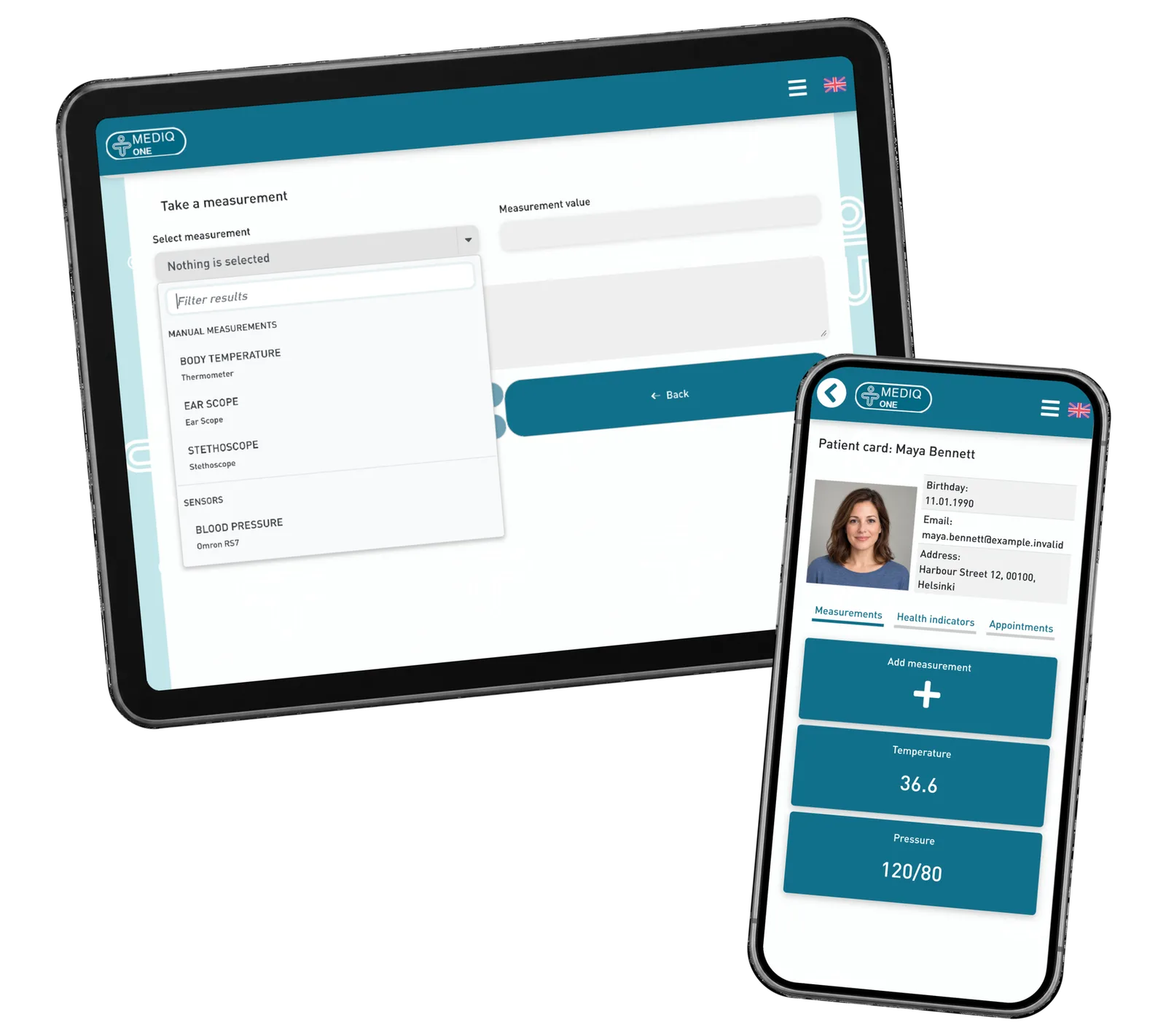
Select a patient from the professional dashboard and open their card. Identity, indicators and visit tabs give the next action a clear personal context.
A personal view for the patient
The patient opens their own card rather than the staff’s patient selector. The prototype shows how personal indicators and visit information can sit together.
Add context to an observation
Choose the observation type, enter a value and add a short note with an image. Review these elements together in the same patient context.
Explore the visit experience
Move between a patient’s indicators and a dated visit list. Use realistic demonstration records to review what staff and patients need to see at each step.
Reusable platform model
What ReApptor can reuse from this case
A portal for both sides of a service
Shape staff and customer views around the same service journey. Start with the people, information and actions each role needs.
- Make the handoffs between your team and customers easier to understand.
Ideal for
Service providers with staff and customer workflows.
A prototype you can work through
Turn an idea into real screens with realistic demonstration records. Walk through the key tasks before defining the wider implementation.
- Give your team a concrete basis for discussing the next development step.
Ideal for
Teams planning a portal or extending a service.
What should your next service portal do?
Bring one real service journey: who uses it, what they need to see and what happens next. We can turn the key steps into a focused prototype with realistic demonstration data, then define the development your service needs.
Discuss your service portal